Paste your script. Get every image for the video.
Cutframe reads your narration, breaks it into beats, and generates a complete set of images that hold one look from the first frame to the last.
25 free images when you sign up. No card required.
01In 1783, a crack eight miles long opened across the south of Iceland.
02For the next eight months it poured out more lava than any eruption in recorded history.
03The haze it produced drifted south and settled over Europe like a dry fog.
Within a year, crops failed from Norway to northern Italy…
A long dark fissure splitting a bare highland plain, seen from a low angle at dusk, thin steam rising along its length
+ style blockA wide river of molten rock crawling across black rock toward the horizon, glowing orange against a smoke-dark sky
+ style blockA hazy sun low over a European farming village, pale yellow light, fields and thatched roofs dulled by fog
+ style blockEvery prompt carries the full style description, so frame 97 matches frame 3.
A hundred prompts, written by hand, one at a time.
Anyone who has made a faceless video knows the middle hour: the script is finished, the voiceover is rendered, and now there are ninety-odd images to describe, generate, download, rename and sort. Get it wrong and the video looks like a slideshow of twenty different artists.
Cutframe does that hour. It reads the whole script for context, writes a self-contained prompt for each beat, carries one style description through every single one, and hands back a numbered set ready for the timeline.
Three steps, and one of them is just reading.
Paste the script
The narration exactly as you'll record it. Cutframe splits it into visual beats at the pacing you choose — relaxed, standard, or fast cuts.
Check the prompts
You see every prompt before a single credit is spent. Edit any that misread your script, then generate. Writing them costs nothing.
Download the set
A ZIP numbered in narration order, so the images land in your timeline already sorted. Regenerate any frame that didn't land.
Frame 97 has to match frame 3.
Image models have no memory between requests. Ask for “the same fisherman” on the ninetieth prompt and you get a stranger. So Cutframe never relies on continuity it doesn't have: every prompt repeats the full style description, and every recurring person is described from scratch, every time.
One style, restated
Medium, palette, line quality and lighting travel with every prompt — not mentioned once and hoped for.
No relative references
Nothing says “as before” or “the same character”. Each frame stands alone, because to the model it does.
Read in context
The whole script is read before any beat is written, so the pictures follow the argument rather than the sentence.
12 looks, each built to survive a hundred frames.
Not a dropdown of one-word moods. Each is a full description of medium, palette and light, tuned so a whole set reads as one hand.
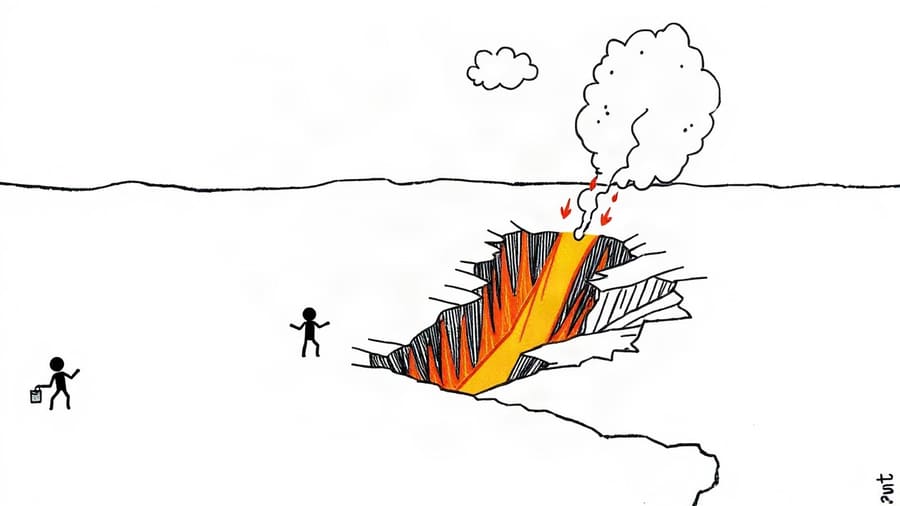
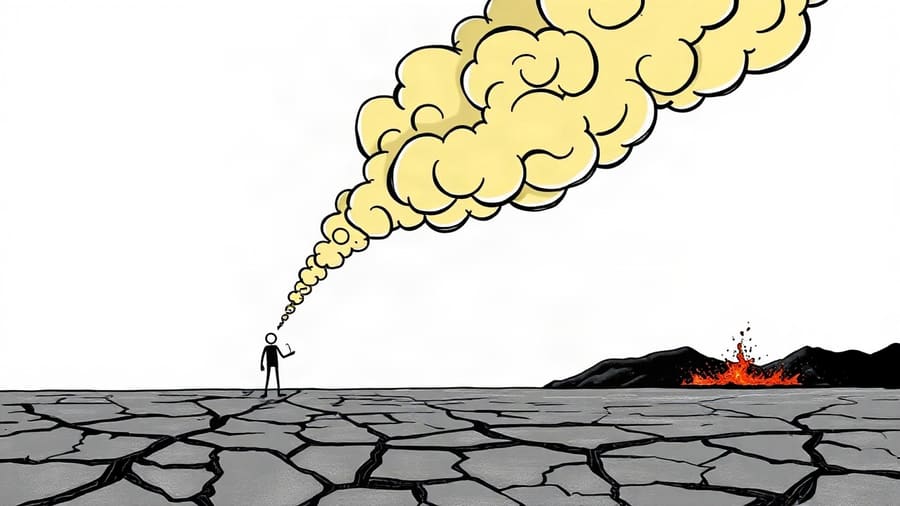
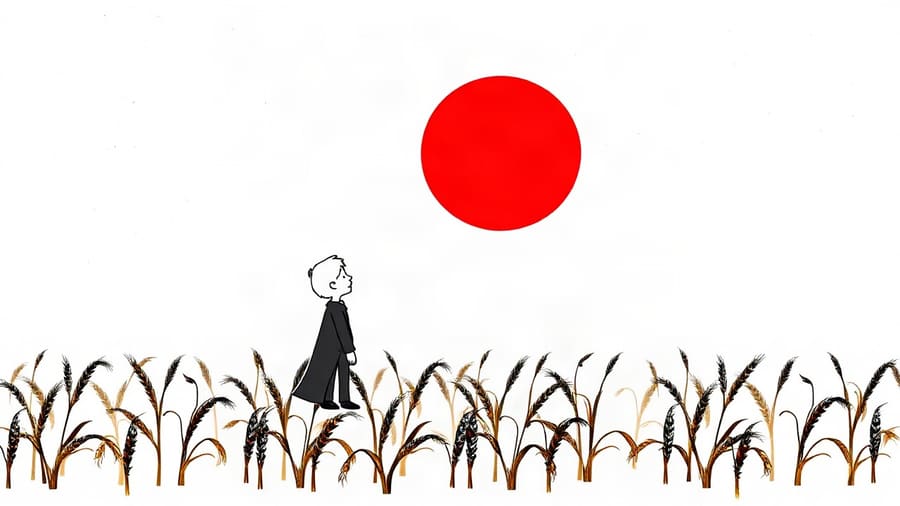
Stickman
Whiteboard stick figures. Psychology, life advice, story explainers.
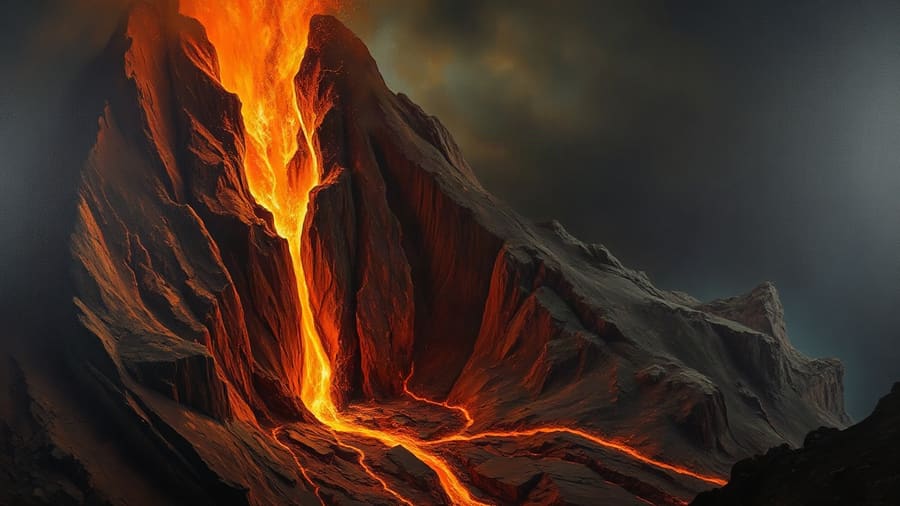
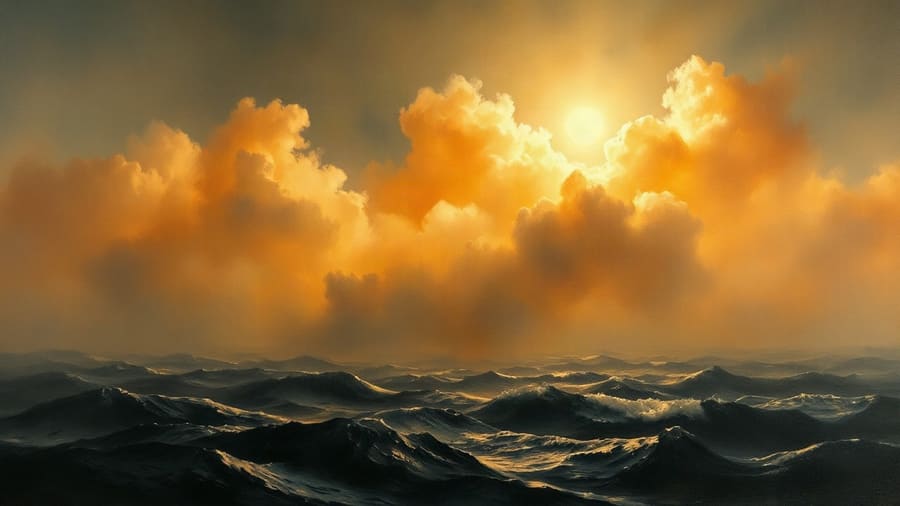
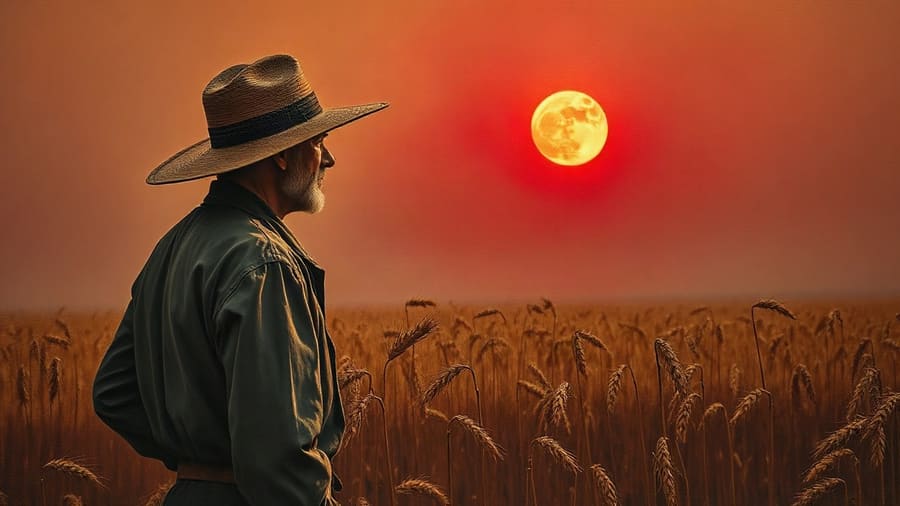
Classical Oil Painting
Museum oil on canvas. History, philosophy, stoicism, mythology.
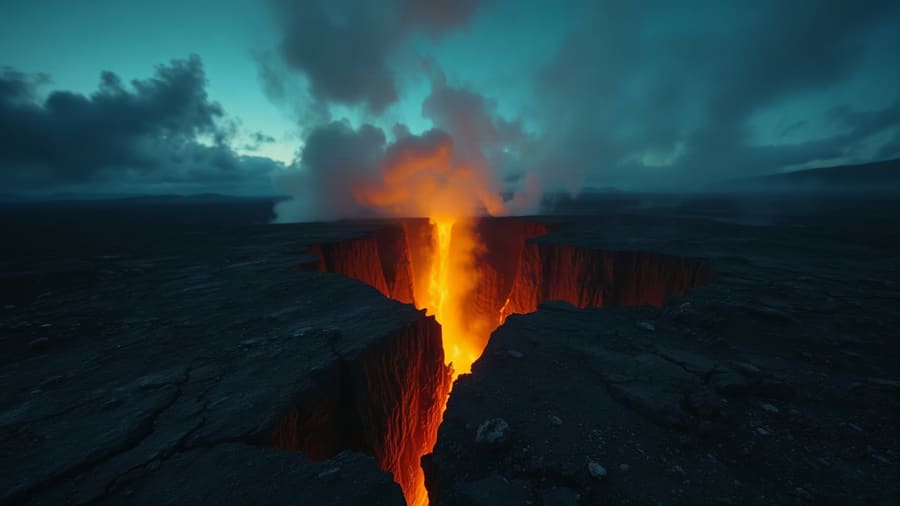
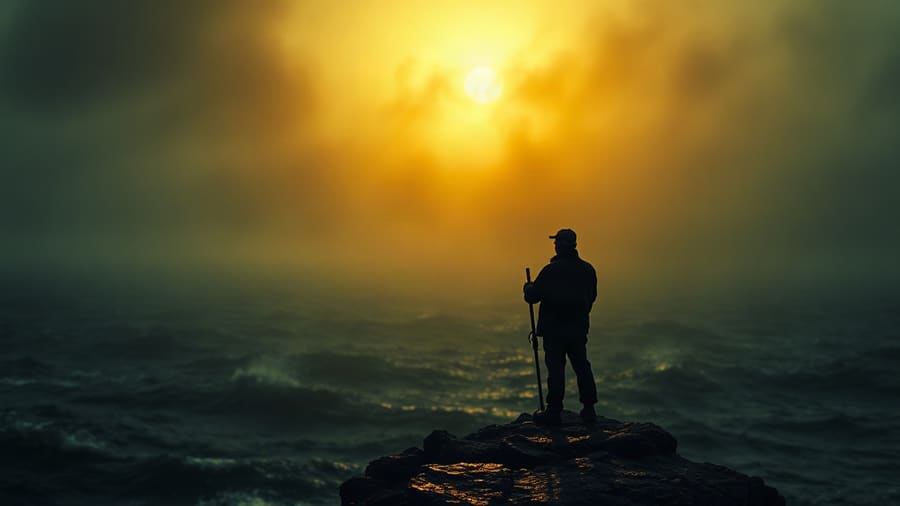
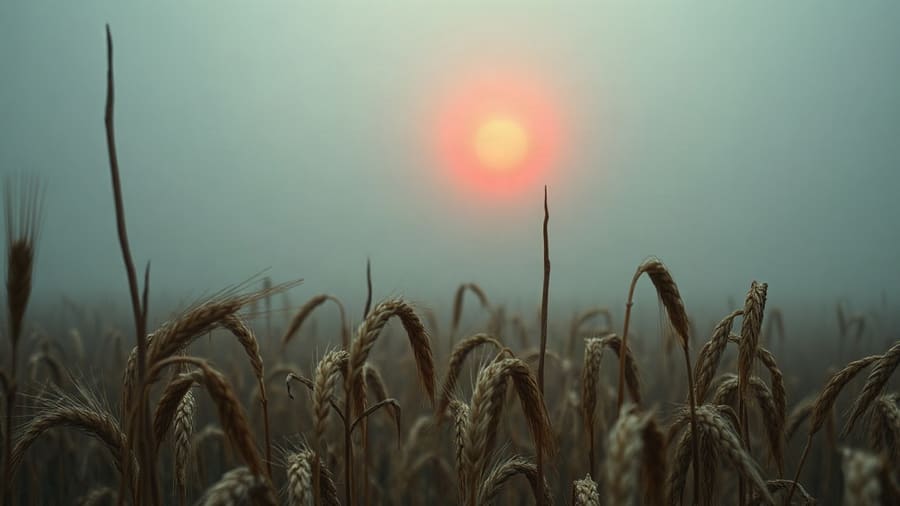
Cinematic Realism
Film-grade photoreal. True crime, mystery, disaster, biography.
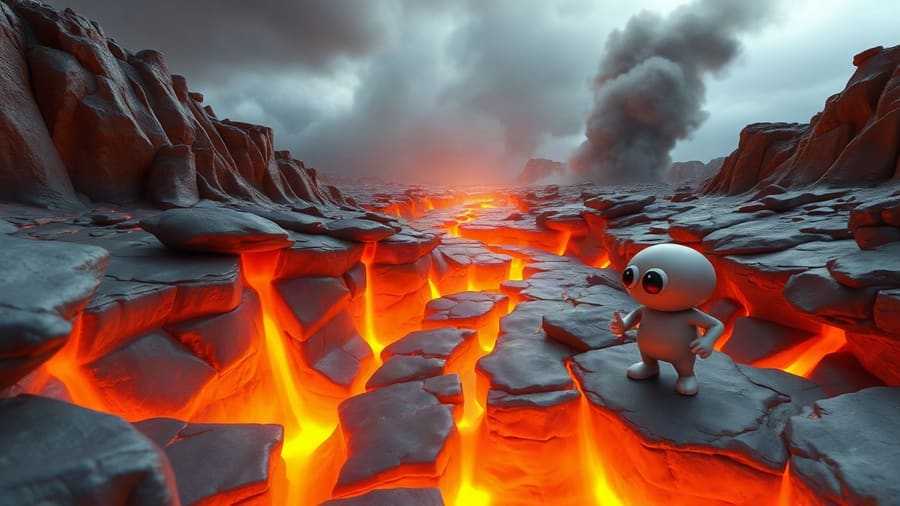
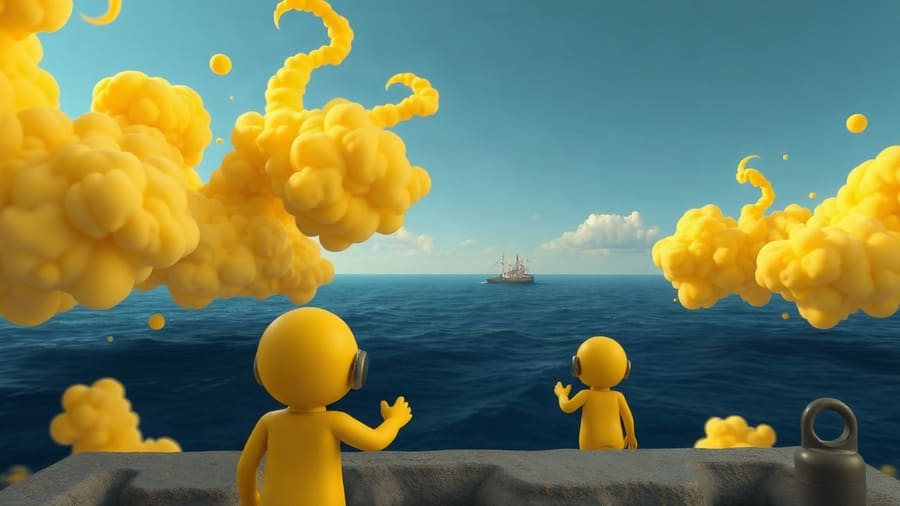
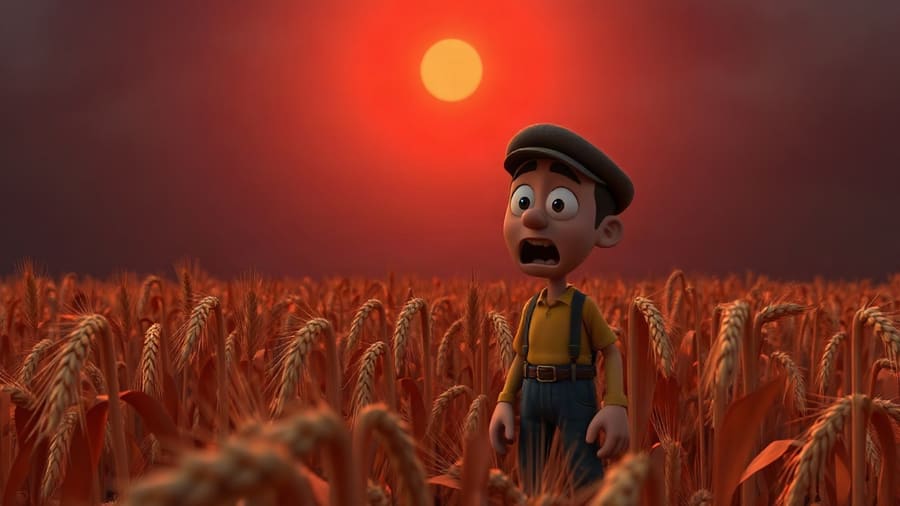
3D Animation
Modern animated feature look. Fables, kids' stories, what-ifs.
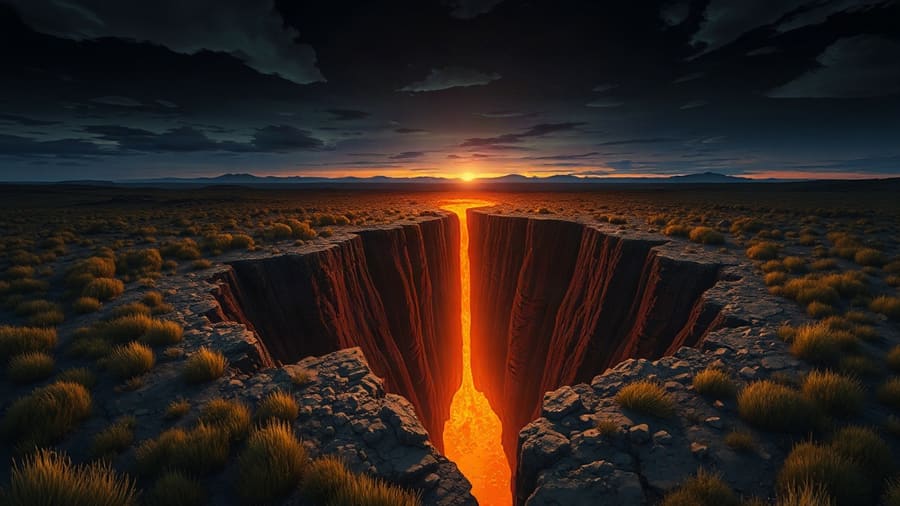
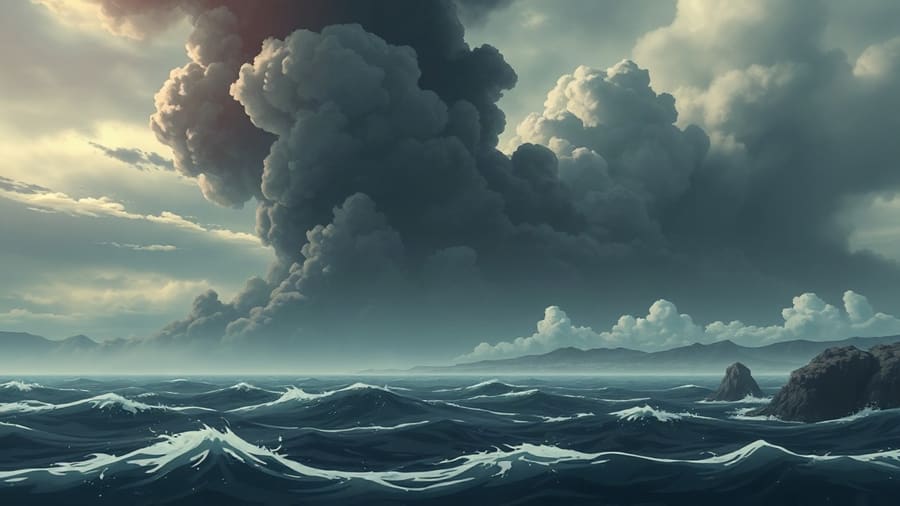
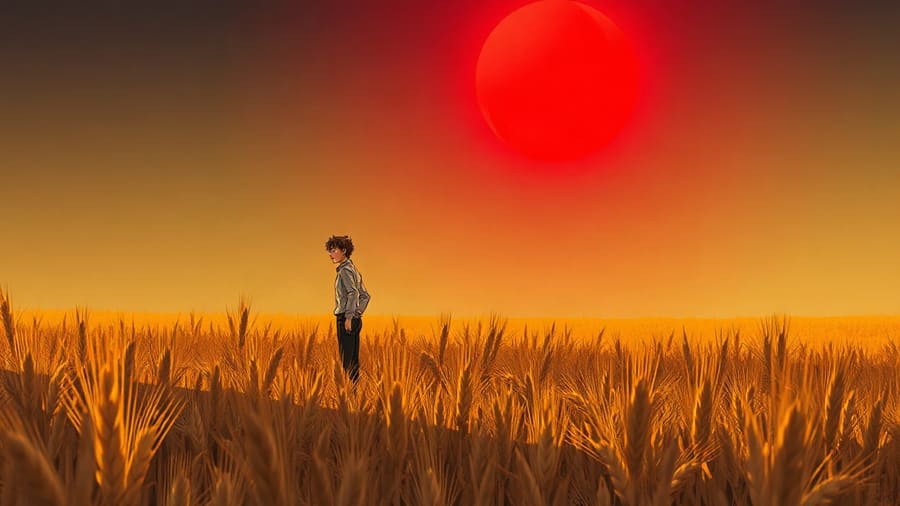
Anime
Cel-shaded anime frame. Motivational, story, recap channels.
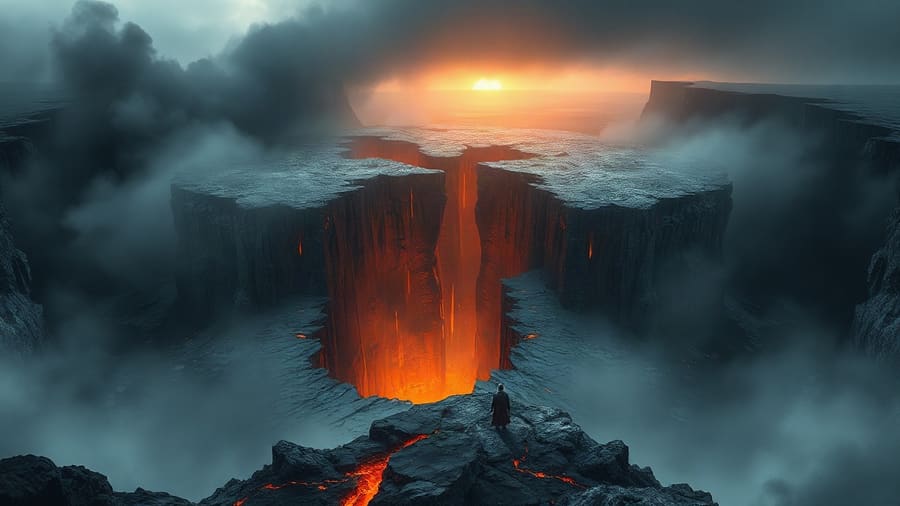
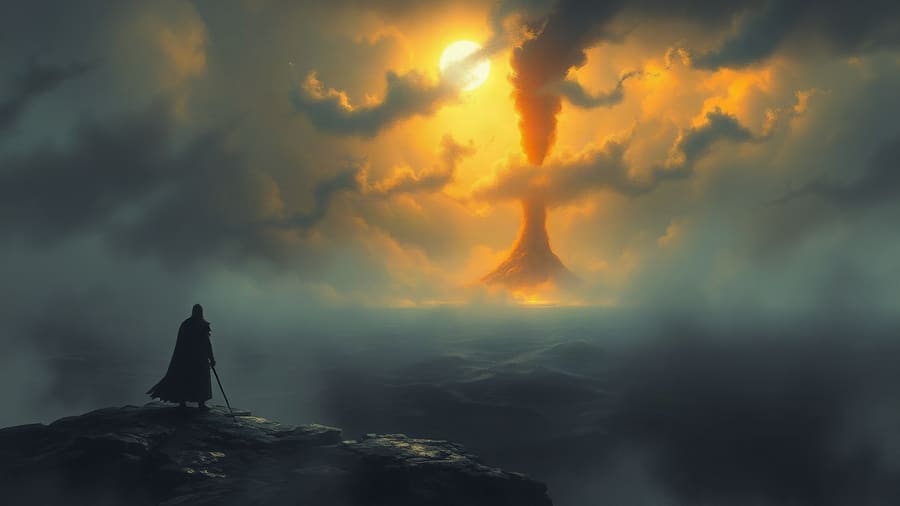
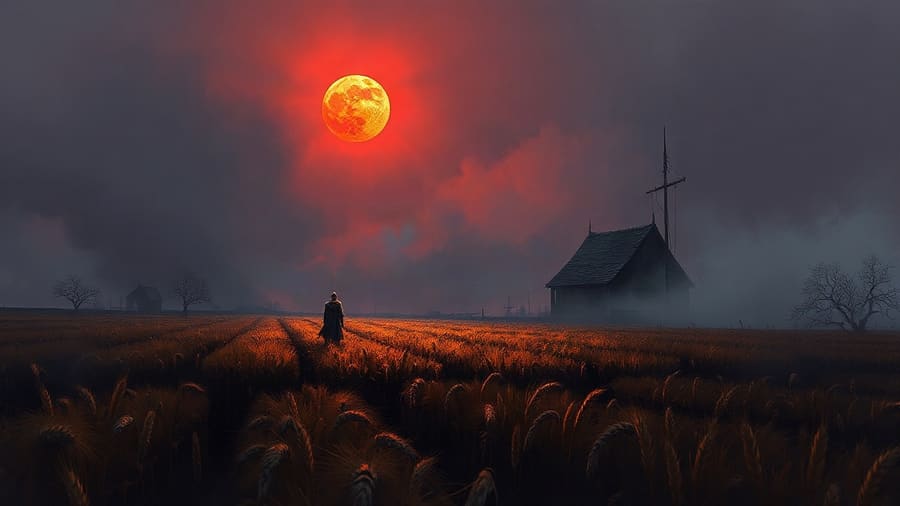
Dark Fantasy
Epic concept art. Mythology, lore, horror, ancient history.
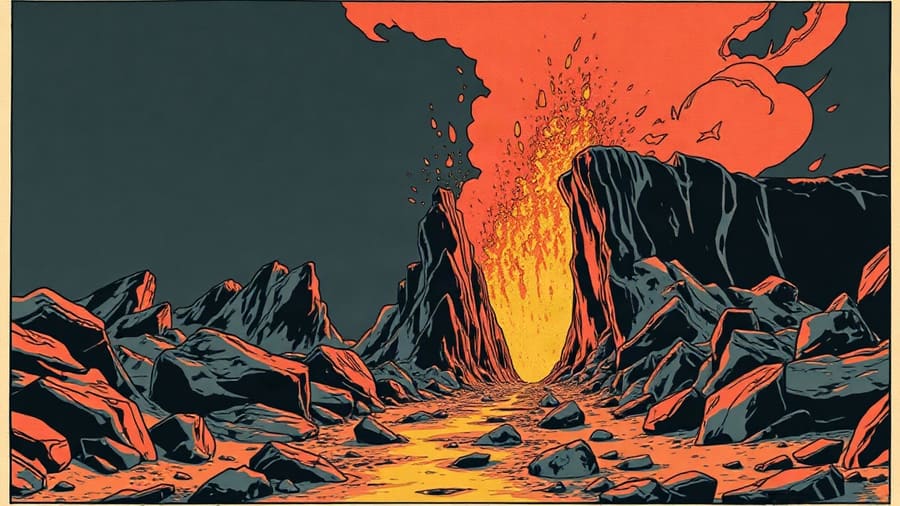
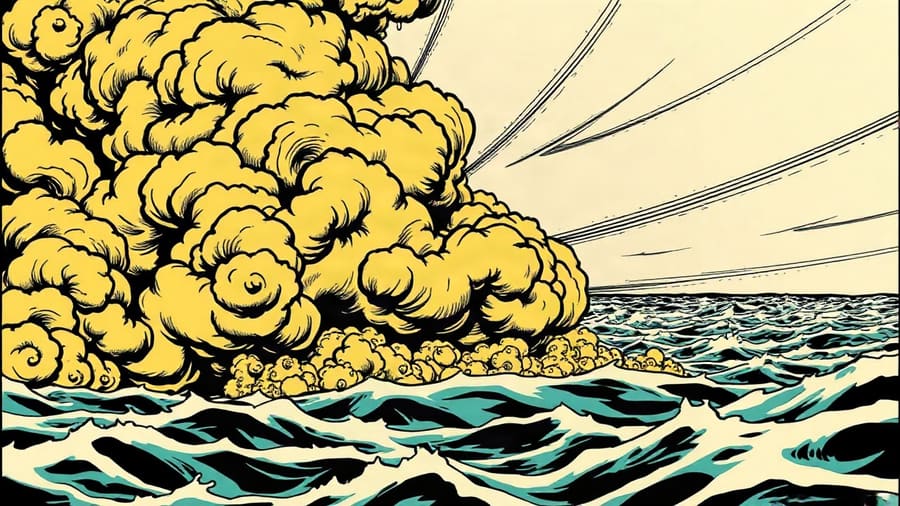
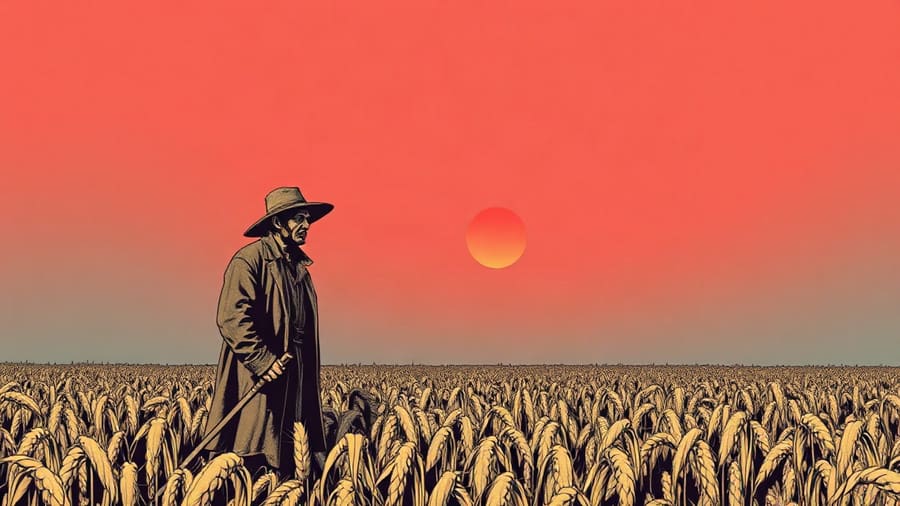
Comic Book
Bold ink and halftone. Retellings, action, listicles, gaming.
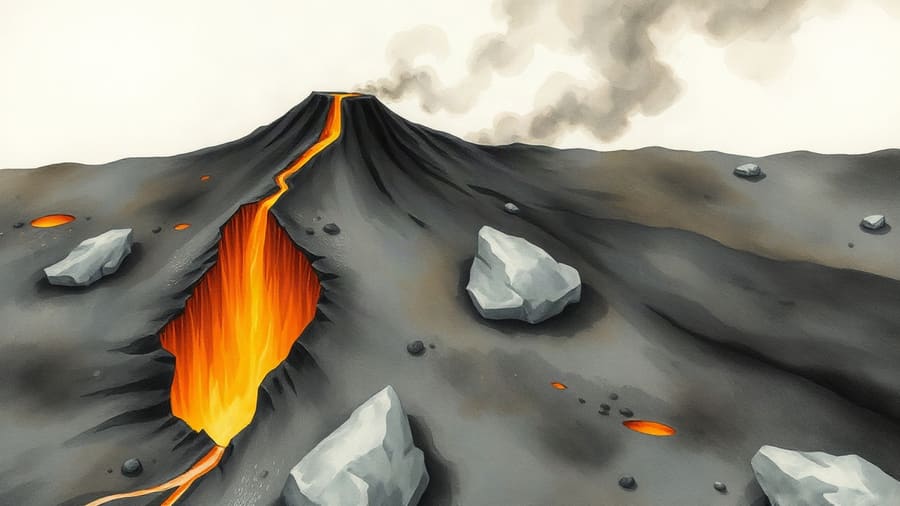
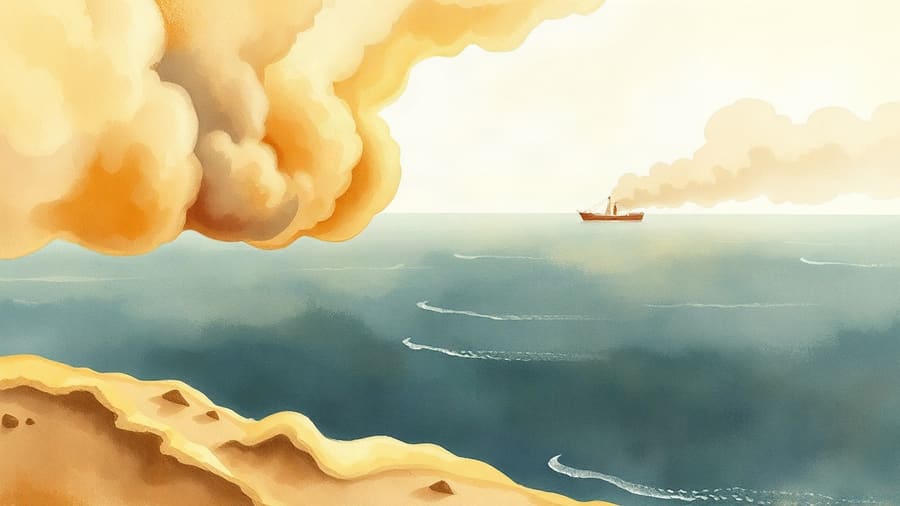
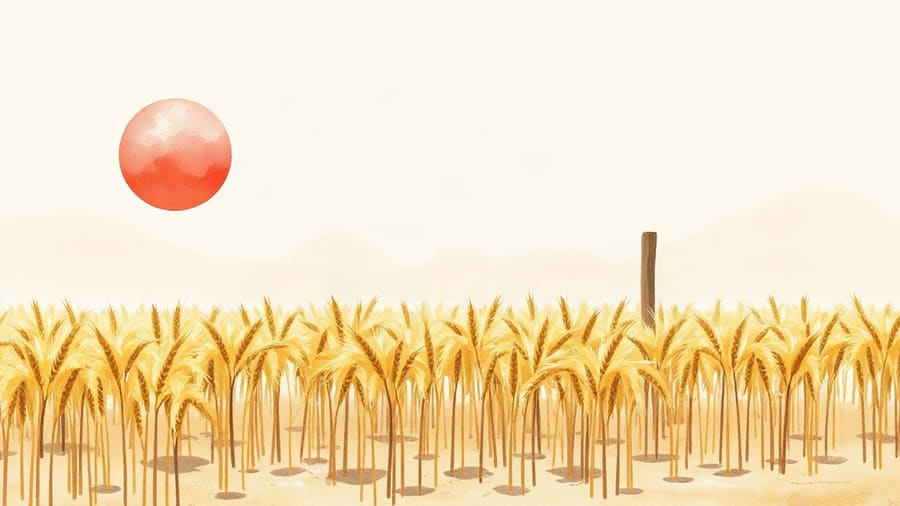
Storybook Watercolour
Soft and warm. Wholesome, wellness, nostalgia, 60+ audiences.
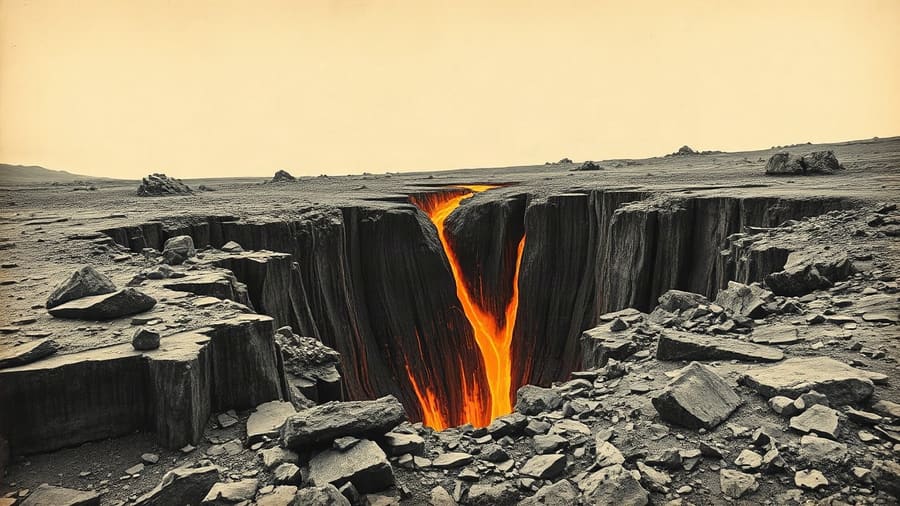
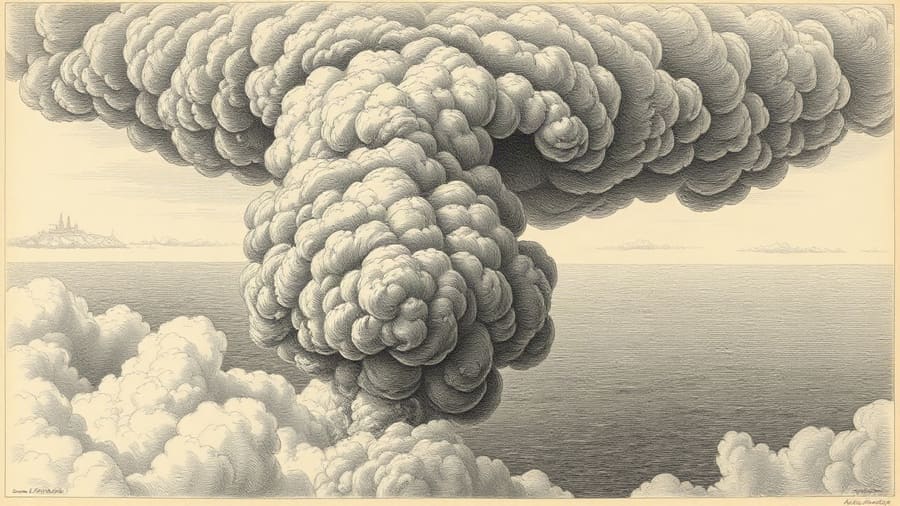
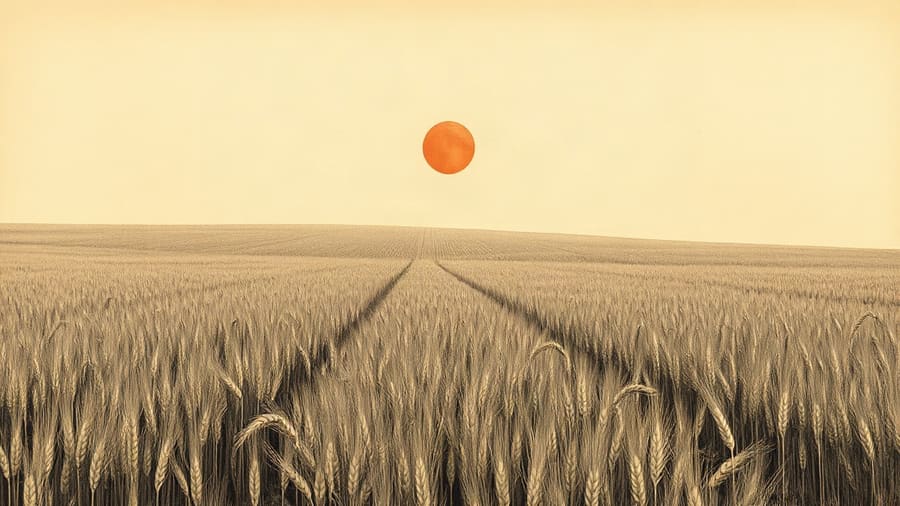
Vintage Engraving
Antique book plate. History, science, curiosities, old-world lore.
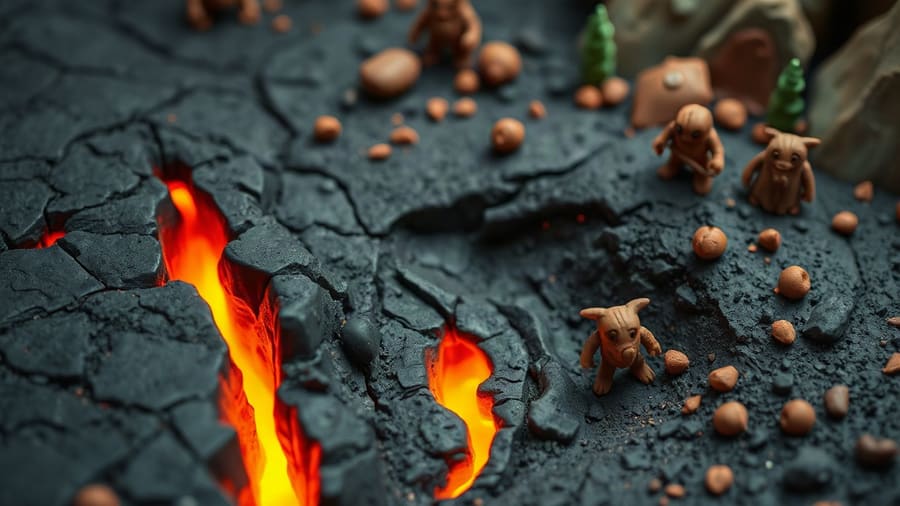
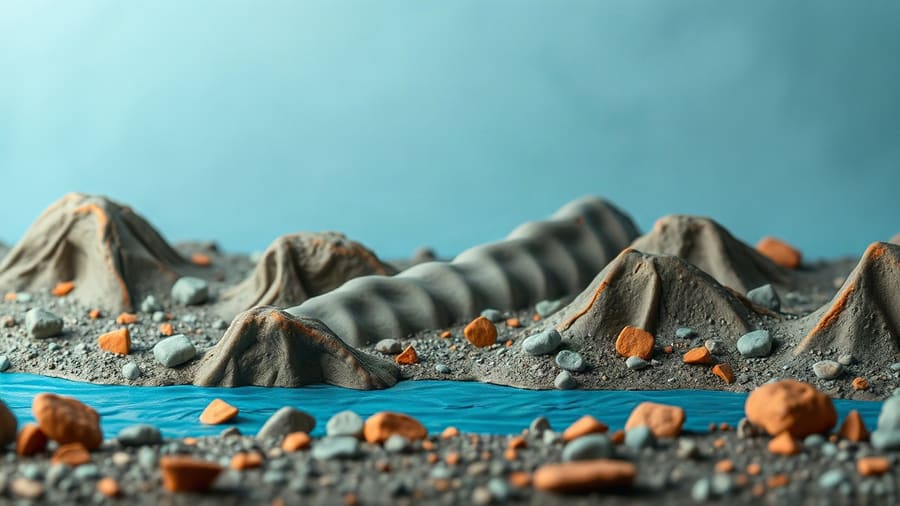
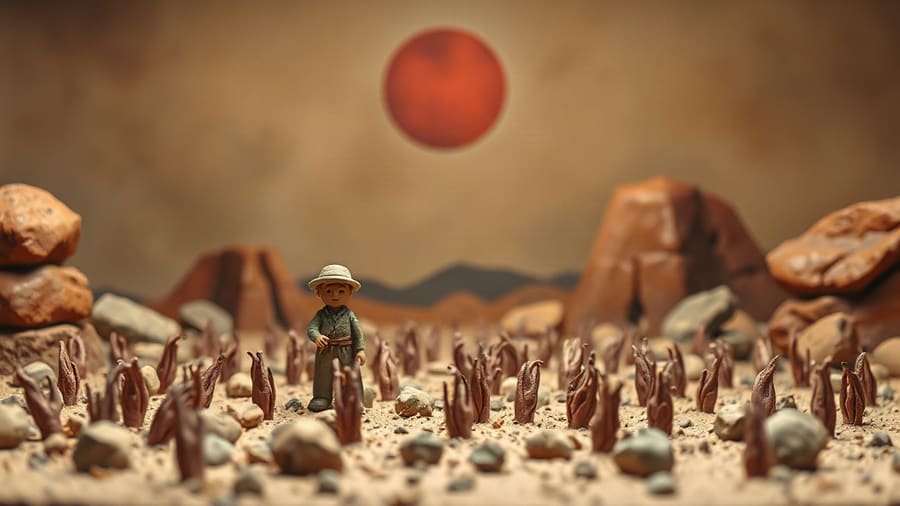
Claymation
Stop-motion plasticine. Quirky humour, kids, offbeat storytelling.
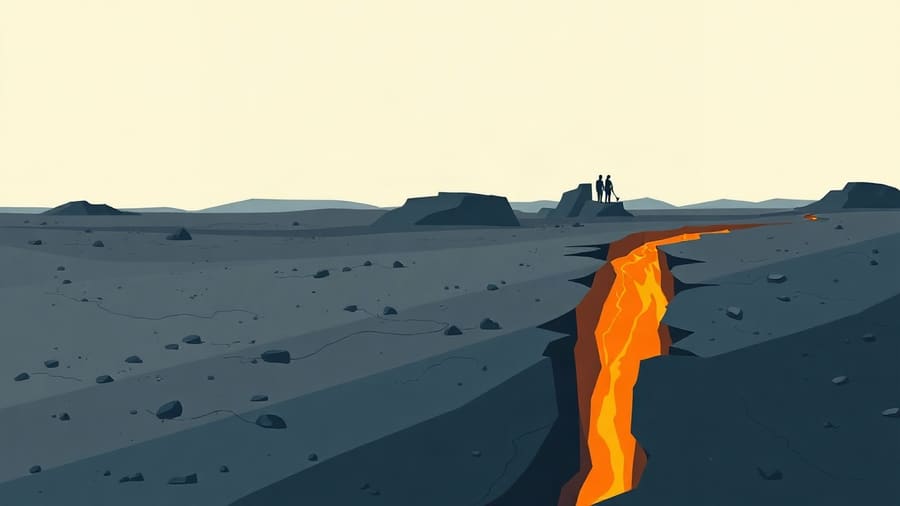
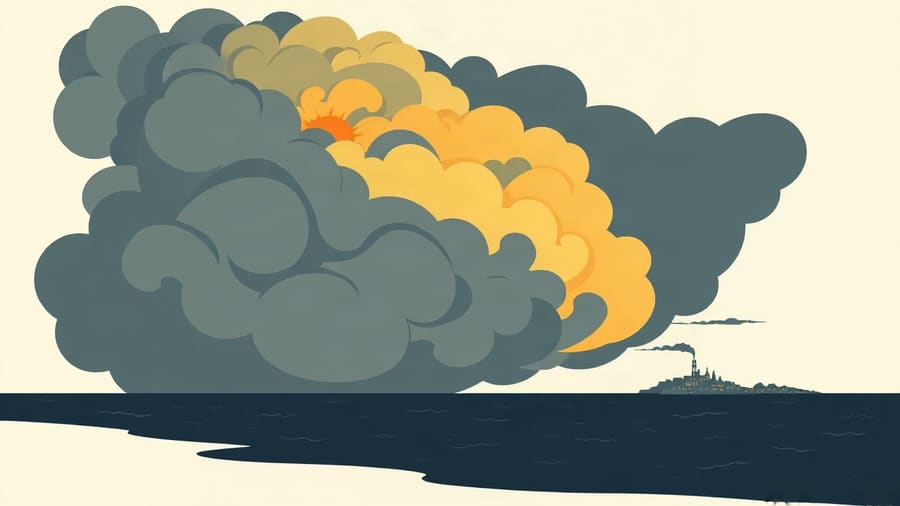
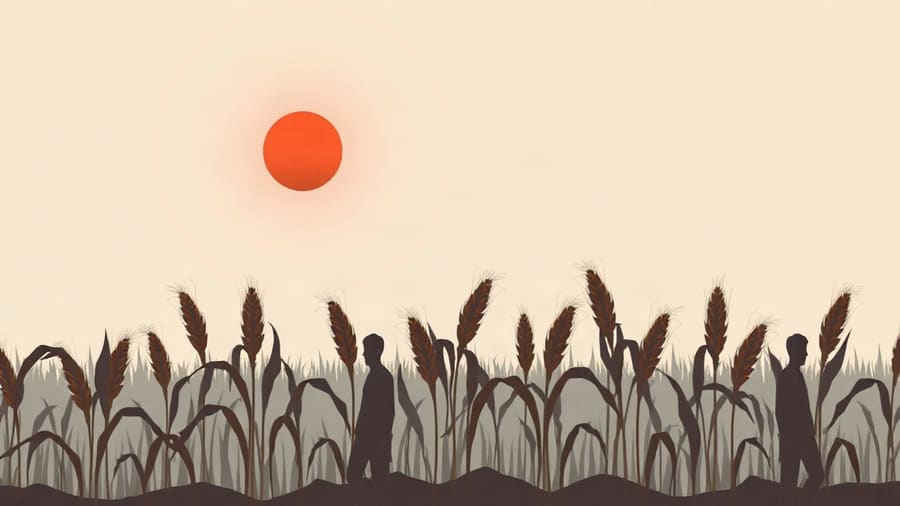
Flat Editorial
Clean modern vector. Business, finance, tech, productivity.
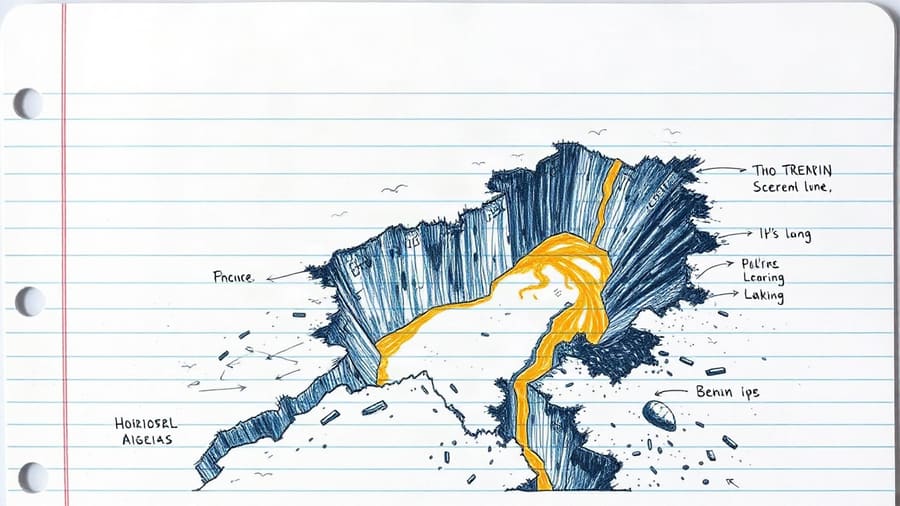
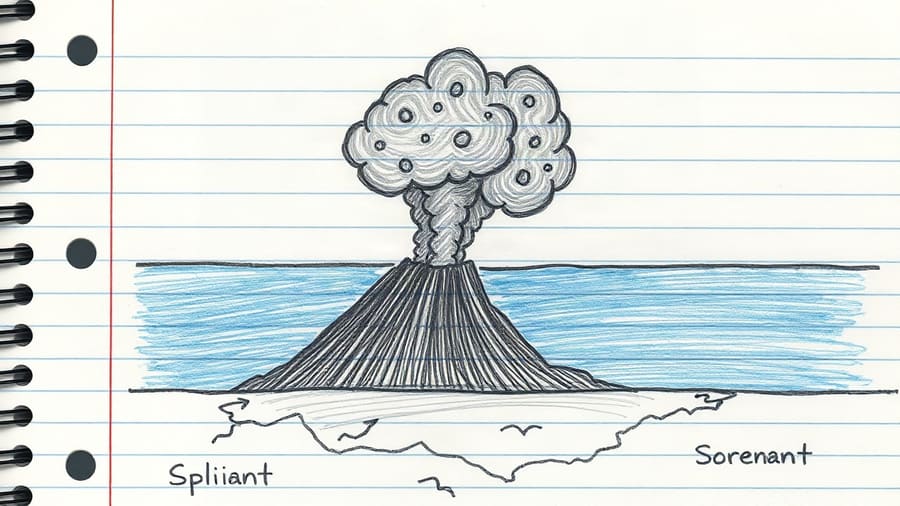
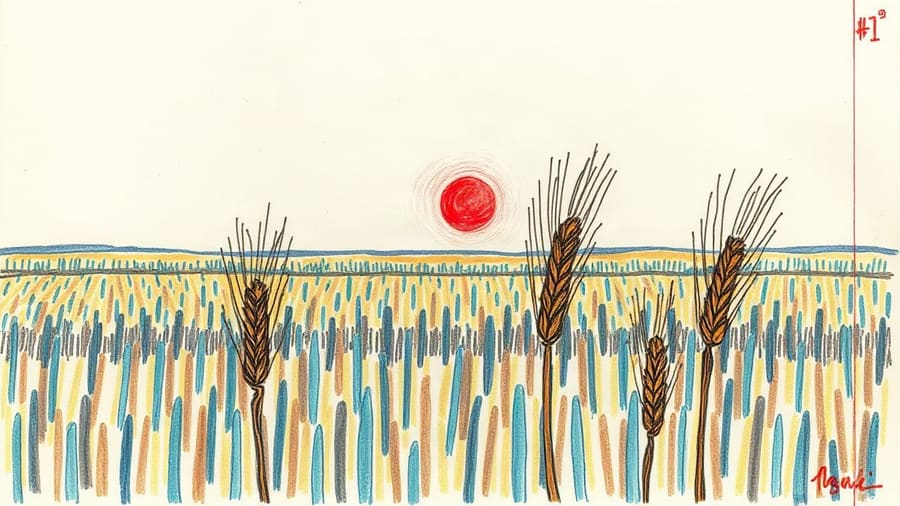
Notebook Doodle
Pen on paper. Study, science, how-things-work, explainers.
Upload one frame. Get a style only you have.
Drop in a single image in the look you want and Cutframe reads how it's made — medium, palette, line quality, lighting — then writes that description into every prompt of every video you make. Your channel gets a face nobody else is using.
It describes the technique, never the picture, so your frames are your own scenes rather than variations of the reference. Costs the same as a preset.
reference
soft gouache illustration, chalky matte pigment, visible brush texture, muted sage and clay palette, gentle diffused light, no photorealism, no gradients…
Pay per video, not per month.
One credit is one image. Credits never expire and there is nothing to cancel — buy a pack when you need one.
Every account starts with 25 free images — enough for a short video — so you can see the output before paying for anything. Packs are bought from inside your account, so you'll sign in first either way.
The things worth knowing.
How many images does a video need?
Roughly one every five to eleven seconds, depending on the pacing you pick. An eight-minute narration usually lands between 70 and 110 images, so a Creator pack covers about ten videos.
Will the images actually look like they belong together?
That is the whole point of the product. Each style is a detailed description of medium, palette, line quality and lighting, and it is appended to every single prompt in the set rather than mentioned once at the start. Recurring people are re-described in full in each prompt, because the image model has no memory between frames.
Can I use my own look instead of a preset?
Yes. Upload one image in the style you want and Cutframe describes how it's made — medium, palette, line quality, lighting — then carries that description through every prompt. The style is saved to your account and reusable on every project, and you can edit the description by hand if it isn't quite right. It costs the same as a preset, because the reference is read once and never touches the image model.
Can I edit the prompts before spending anything?
Yes, and you should. Writing the prompts is free — you see all of them, edit any that misread your script, and only then press generate. Credits come off your balance at that point, not before.
What if an image comes out wrong?
Regenerate that one frame on its own, or rewrite its prompt and try again, without touching the rest of the set. Images that fail outright are refunded to your balance automatically.
Do credits expire?
No. One credit is one image, they sit on your account until you use them, and there is no subscription to cancel.
What do I get at the end?
A ZIP numbered 001.jpg upward in narration order, so the images drop into a timeline already sorted, plus a prompts.txt with every prompt in case you want to take them elsewhere.
Can I use the images commercially?
Yes. What you generate is yours, including for monetised videos. You are responsible for what you ask for — see the terms.
How long does a set take?
A hundred images runs in a few minutes. You can close the tab while it works; it keeps going and the finished set is waiting when you come back. Jobs are capped at 300 images.
Your next video is one paste away.
Bring a script you've already written and see what comes back. The first 25 images are on us.